

Outdated Software: The Hidden Time Bomb In Your Business

Maxwell Alles
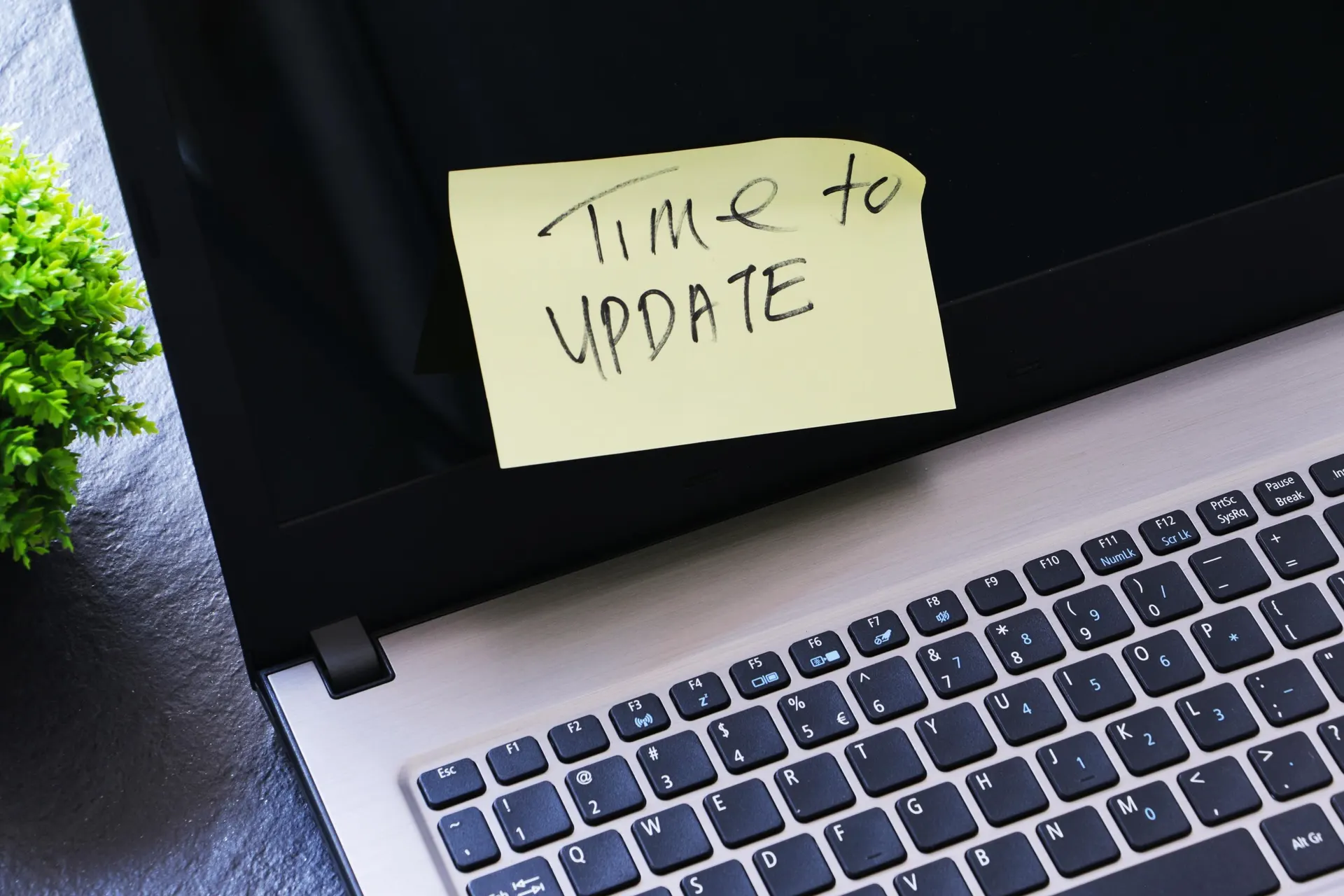
Imagine your business humming along, everything seems fine and then a cyberattack hits, grinding operations to a halt. Customer data is stolen, your systems are locked with ransomware and your reputation takes a nosedive. The culprit? That old software you’ve been meaning to update but never got around to it.
Outdated software is far more than a minor annoyance; it’s a ticking time bomb sitting in your codebase, waiting to blow up your business. Let’s dive into why this is such a massive problem and what you, as a business leader, can do to defuse it before it’s too late.
Why Outdated Software Is A Big Deal
Outdated software is like leaving your front door unlocked in a rough neighborhood. It’s an open invitation for cybercriminals to waltz in and wreak havoc. When software isn’t updated, it misses out on critical security patches that fix vulnerabilities hackers love to exploit. According to a 2025 TechTarget survey, 32% of cyberattacks exploit unpatched software vulnerabilities.
The financial hit can be brutal—over the last six years, the average cost of ransomware to a company has increased 574% to $5.13 million, and it continues to rise.
But it’s not just about the money. A single breach can torch your company’s reputation, scare off customers and land you in hot water with regulators and angry clients whose data got leaked.
The stakes are higher than ever. Cybercriminals are using AI to supercharge their attacks, making them faster and sneakier. “AI is accelerating both cyber threats and regulatory responses,” says Keith Enright, former Chief Privacy Officer at Google. “Policymakers are scrambling to put guardrails in place, but the pace of innovation is making it harder than ever to keep up.”
If your software’s out of date, you’re not just fighting yesterday’s hackers—you’re defenseless against tomorrow’s AI-powered ones. Healthcare, retail, even small businesses are prime targets.
Then there’s the performance hit. Old software can slow down systems, crash frequently or just not play nice with modern tools. Attackers can sneak in cryptomining tools that hog your resources without you noticing until it’s too late. Plus, if you’re in a regulated industry, running outdated tech could mean hefty fines for non-compliance with laws like GDPR or HIPAA. It’s a lose-lose situation: you’re slower, less secure and potentially in legal trouble.

10 Tips To Defuse The Time Bomb
So, what can you do? Here are 10 practical tips to keep your codebase from becoming a cyber disaster and help you stay ahead of the cybercriminals.
- 1. Make Updates Non-Negotiable. Set up a patch management process that ensures software updates are applied ASAP. Test patches first to avoid glitches, but don’t delay. Software updates are the single best defense against digital threats. Use tools like Microsoft’s Configuration Manager to automate updates across your network.
- Know What’s In Your Tech Stack. You can’t protect what you don’t know you have. Inventory all your software and systems regularly. Tools like vulnerability scanners can spot outdated apps before they become a problem.
- Train Your Team (And Keep Training). Your employees are your first line of defense. Run regular cybersecurity training, including phishing simulations. A well-educated workforce provides much-needed protection. Make it fun—you could gamify training to keep it engaging.
- Use Strong, Unique Passwords. Weak passwords are a hacker’s best friend. Enforce strong, unique passwords and use a password manager like Bitwarden. Combine this with multifactor authentication (MFA) on every account possible.
- Encrypt Everything. Any data leaving your office—employee info, financials or intellectual property—needs to be encrypted. It’s like putting a lock on your sensitive info.
- Vet Your Vendors. Your supply chain is only as strong as its weakest link. Make sure third-party vendors keep their tech up to date and follow strict security protocols. Background checks and regular audits are a must.
- Invest In Modern Security Tools. Antivirus alone won’t cut it anymore. Look into Endpoint Detection and Response (EDR) or Extended Detection and Response (XDR) tools for real-time threat monitoring. These can catch sneaky attacks that slip past old-school defenses.
- Plan For The Worst. Have a solid incident response plan. Run cyber drills to test how your team handles a breach. Cyber drills give leaders proof of their organization’s capabilities. Offline backups and segmented networks can save you from ransomware.
- Stay Compliant. Regulations like GDPR and HIPAA aren’t optional. Ensure your software meets compliance standards to avoid fines. Regular audits can help you spot gaps before regulators do.
- Get Leadership Buy-In. Cybersecurity isn’t just an IT issue—it’s a business priority. Cyber risk must be a leadership priority. Get your C-suite on board to secure budget and support upgrades.
According to a 2025 TechTarget survey, 32% of cyberattacks exploit unpatched software vulnerabilities.
The Bottom Line
Outdated software can be a business killer. From ransomware to data breaches to compliance nightmares, the risks are real and growing. In 2025, with AI-powered attacks and stricter regulations, you can’t afford to hit “remind me later” on those updates.
Fortunately, you don’t need a massive budget to stay secure, just a proactive mindset and a few smart moves. Follow these 10 tips, lean on expert advice (which probably means hiring a firm that specializes in cybersecurity), and keep your systems up to date. Your business’s survival depends on it. Don’t let that hidden time bomb in your codebase go off. Defuse it now.
(Originally posted for Forbes Business Council)



Take the First Step Toward Minimizing Cyber Risk
The sooner your infrastructure is hardened, the sooner your clients are safer.